Baby passport photos,
without the meltdown.
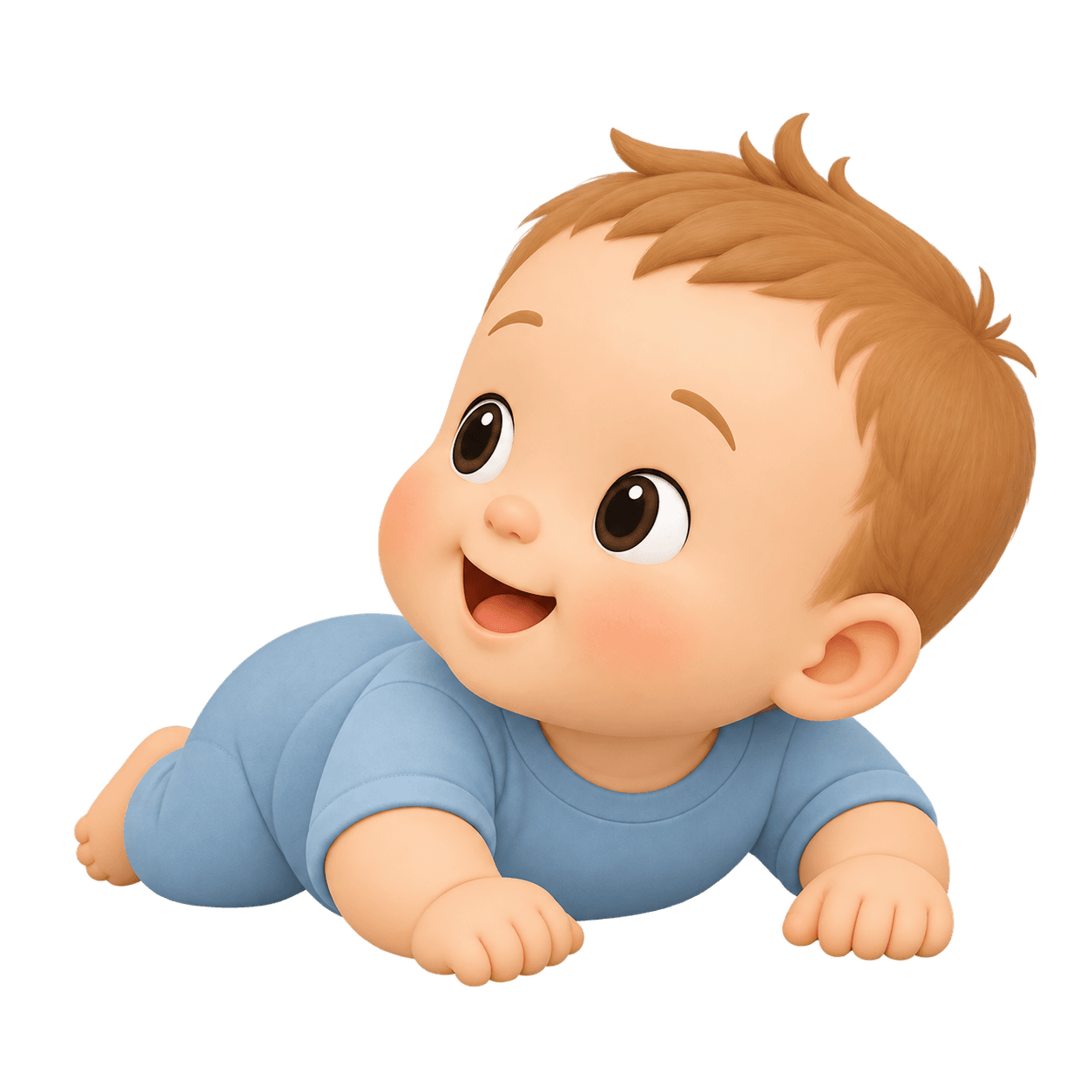
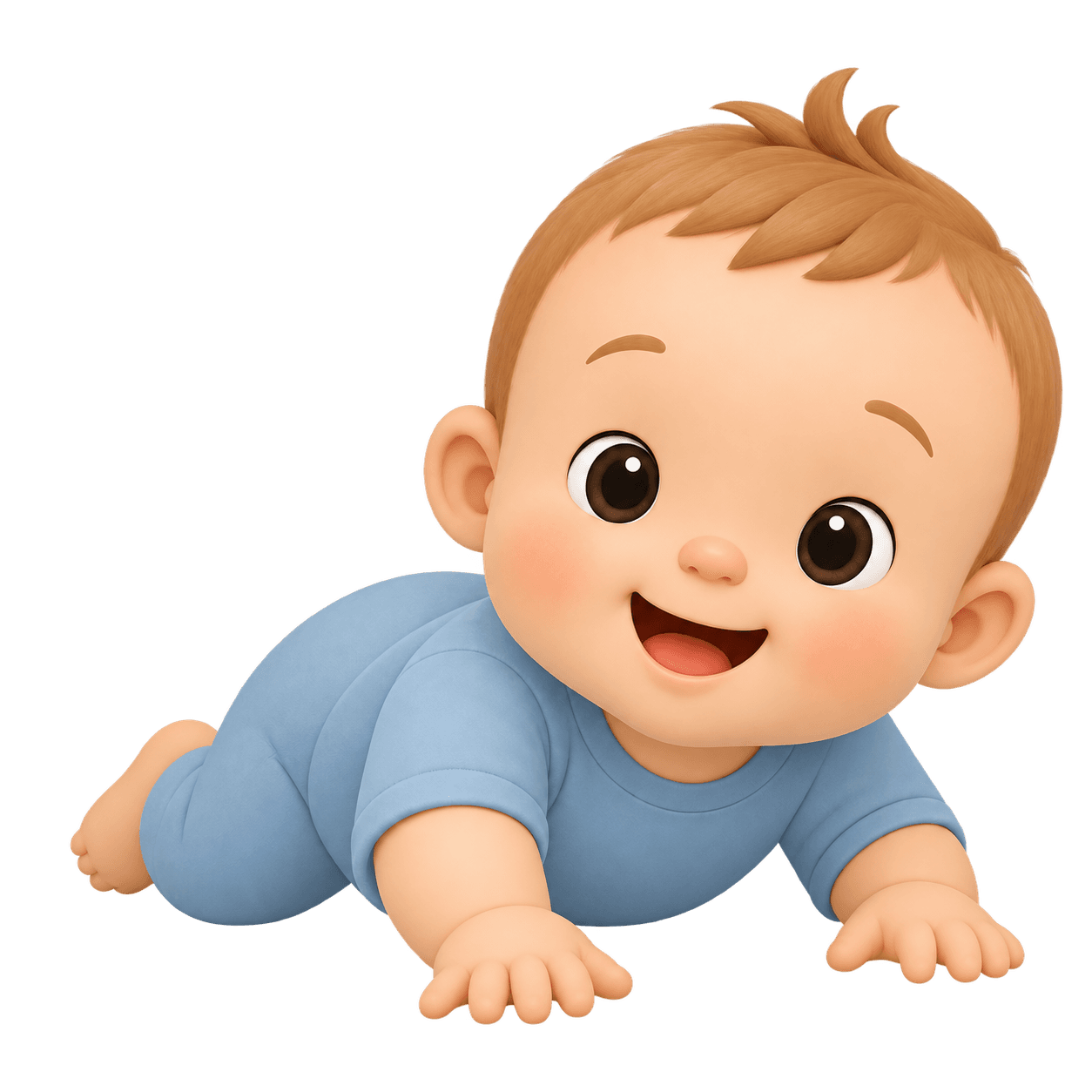
A sound catches their glance, your phone takes the shot — we finish it to the official spec.


- No subscription
- Credit back on failure
How it works
A passport photo for your baby, in three steps.
- You
Pick the document
Country and document type. The app loads the official requirements and sets the camera up for them.
- Your phone
Hold your baby
A sound catches the glance. The shutter fires itself the moment every check turns green.
- TotShot
Get a print-ready file
Background, colour and crop to the official spec — with an honest verdict attached.
The hard part
A baby won't look at the camera because you asked. So the phone asks instead.
Both your hands are holding a child. There is none left for the shutter — and there needn't be.
Auto — the phone shoots
The sound you picked from four plays, your child looks up, the checks turn green one by one, and the shutter releases itself.
Manual — you shoot
Manual mode waits for nothing: you press, it shoots. The call belongs to the parent, not to the checks.
A frame you took by hand is still checked on the phone — sharpness, head angle, eyes — and answered on the spot, not half a minute later after the upload.
Why this exists
What you're skipping.
The studio
An appointment, a drive, a queue, and a baby crying under someone else's lights.
The rules
Every country wants a different size, background and head height.
The counter
Head too small. Wrong background. Come back tomorrow.
Every time, you find out afterwards.
Checking is free
You find out before you pay, not after.
Our servers measure your shot against the document you picked — before any money moves.
This photo meets the requirements
- Head height
- 58%ok
- Eye line
- 0.62ok
- Background
- #FFFFFFok
This photo doesn't meet the requirements
- Head height
- 44%too small
- Eye line
- 0.62ok
- Background
- #FFFFFFok
Nothing has been charged. Re-frame and check again — checking is always free.
Final acceptance is always the authority's decision.
What backs it
What we promise a parent.
A real photo, not AI
We crop, correct the light and cut out the background. Your child's face stays your child's face.
Photos stay on our servers
Your photo never goes to a third-party service. No advertising, no ad trackers. You choose how long it is kept.
You pay for a result
A credit is spent only on the finished file, and comes back automatically on any failure.
One-time purchase
No subscription, ever. You buy in the store's own purchase sheet — you never type a card number into us.
What it costs
Cheaper than one studio print. Without leaving the house.
A studio charges for the print and for the trip across town. TotShot is a one-time purchase, and retakes cost nothing.
Credits come in packs of
3612
Your exact price shows in the App Store and Google Play, in your local currency.
- Credits never expire.
- One credit turns your shot into the finished, print-ready file.
Where the rules come from
We read the authority's own page — and we say so when nobody wrote the rule down.
Written down
The authority states this in writing.
Not written down
The authority publishes no child rule, so we apply the adult one.
Up to the official
The authority allows a deviation for a young child but publishes no figure and no age — it is the official's call at the counter.
Sometimes the answer is no
A photo you take yourself can't be handed in for this document, so we won't sell you a credit for it.
Some authorities take the photo themselves, or accept only a studio one. We say so before you shoot.
Documents
Find your document.
Sizes taken from the requirements each authority publishes.
17 documents · 14 countries
| Document | Print size | Submission |
|---|---|---|
| United StatesPassport | 51×51 mm | Printed |
| United StatesVisa | 51×51 mm | Upload or print |
| United StatesUSCIS / Green Card | 51×51 mm | Upload or print |
| United KingdomPassport | 35×45 mm | Upload or print |
| IrelandPassport | 35×45 mm | Upload or print |
| New ZealandPassport | 35×45 mm | Upload or print |
| AustraliaPassport | 35×45 mm | Printed |
| NetherlandsPassport | 35×45 mm | Printed |
| ItalyPassport | 35×45 mm | Printed |
| PolandPassport | 35×45 mm | Printed |
| AustriaPassport | 35×45 mm | Printed |
| BelgiumPassport | 35×45 mm | Printed |
| SpainPassport | 26×32 mm | Printed |
| BrazilPassport | 50×70 mm | Printed |
| IndiaPassport | 35×45 mm | Printed |
| JapanPassport | 35×45 mm | Printed |
| Schengen AreaSchengen visa | 35×45 mm | Upload or print |
New documents appear server-side. No app update needed.
FAQ
The questions worth asking.
Can I take my baby's passport photo at home?
Yes, for most documents. We build to the requirements the authority publishes and check your shot against them before you pay. Final acceptance is always the authority's decision.
My baby won't open their eyes. Is that a problem?
Often not. Some authorities accept a closed-eye infant photo in writing; most require open eyes from the first birthday. The app resolves it from your child's age before you start shooting.
My baby can't sit up yet. How do I take the photo?
Lay them down and shoot from above. A plain, evenly coloured surface — a bedsheet works well — gives the cleanest result. The overlay guides the frame, a sound catches the glance, and the shutter fires itself when every check turns green.
What if the processing fails?
Your credit comes back automatically. It is reserved before processing and released on any failure, including a server crash. A retry never charges you twice.
What happens to my child's photo?
Face detection runs on your phone. Background removal runs on our own servers inside a private network — never a third-party AI. Links expire after an hour, you set how long photos are kept, and deleting your account erases everything.
Do you edit my baby's face?
No. Segmentation, exposure, resize — we follow rules rather than retouch. Your child's face is the real pixels of your shot.
Do I need a printer or a special background?
No. Any plain wall works — our servers replace the background with the regulation colour and export the file your document asks for, upload or print sheet.
Where do the requirements come from?
The issuing authority's own page, in its own language, checked by two people. The rule version yours was judged against is stored with your photo, so a later change never reopens it.
Is my country supported?
The current list is above, and it comes from our catalog rather than from this page. Where an authority photographs applicants itself or accepts only studio photos, the app says so rather than sell you a credit you cannot use.
Will it run on my phone?
Check the App Store or Google Play on the phone you'd shoot with. If TotShot installs, it runs — the store answers that for you, and its answer is always current.
One session. At home. While they're still awake.
Shooting and checking are free. You pay only for the finished file.
- Head height
- 58% · ok
- Eye line
- 0.62 · ok
- Background
- #FFFFFF